Order Flow
Part of Building a reliable dropshipping order flow
Keeping order status visible to customer service
Give support staff a reliable view of supplier acceptance, parcels, unresolved steps and the next customer update.
Customer service needs a shared view of each order line's last confirmed step, its source, what remains open and who will answer next. An order-level status or tracking reference alone may not explain a partial order or establish carrier handover.
Show the customer order and its open lines
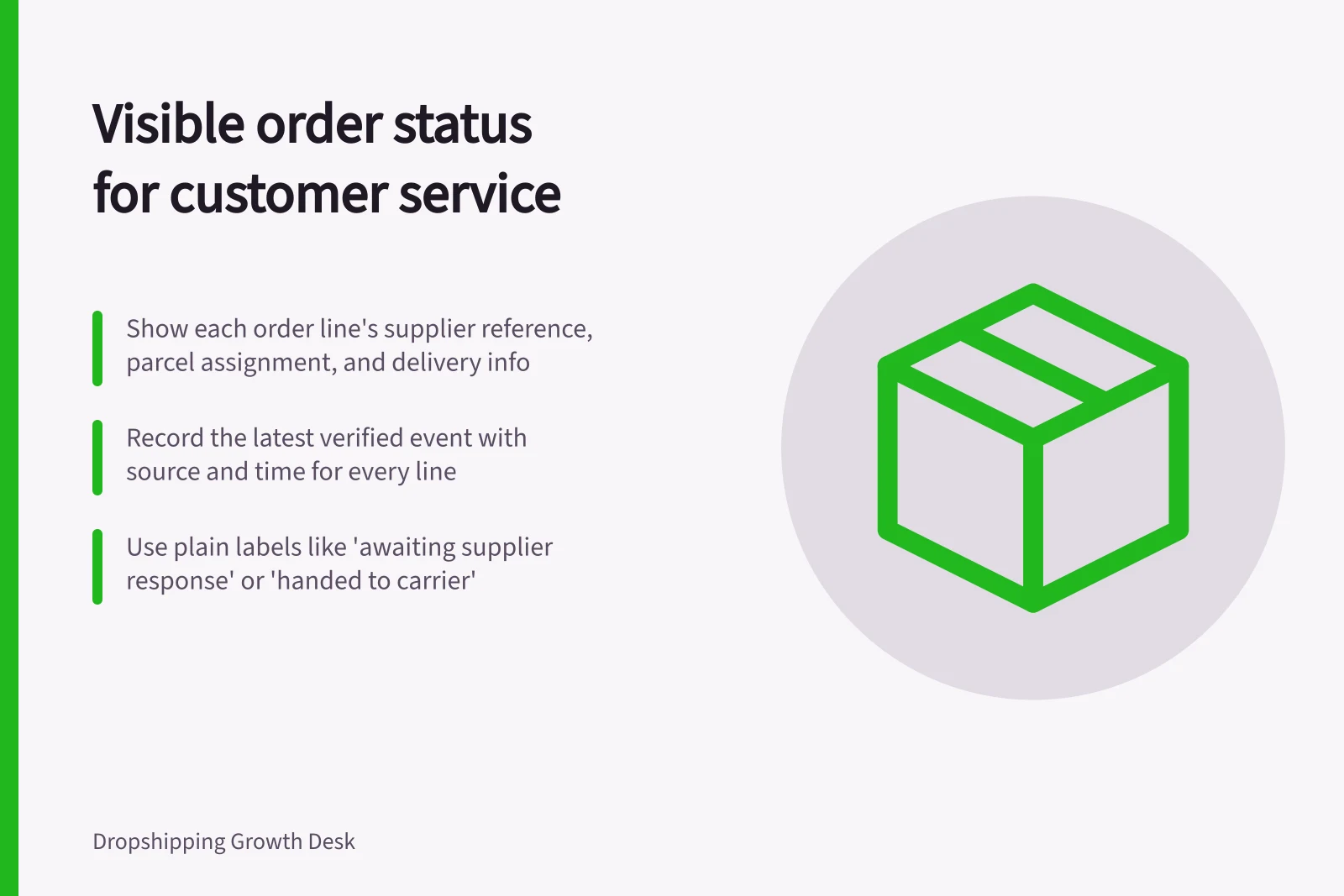
Start with the items and variants the customer bought. For each line, show the supplier reference, supplier response, parcel assignment where known, and delivery information given at purchase. Record the latest verified event with its source and time. Keep the customer's messages, the store's next promised update and the responsible staff member with the case.
Use plain working labels such as awaiting supplier response, accepted, dispatch being checked, handed to carrier and resolved. Define the evidence that moves a line between them. These are suggested labels, not built-in labels for every store system.
An order-level status alone may not show the evidence needed to answer for each line. Staff should inspect the affected line or fulfilment before replying.
Record uncertainty
For each line, show what is confirmed, the source and what still needs checking. A supplier's “packed” message does not establish carrier handover. Tracking information can be entered without a corresponding carrier event. If an app supplies a status, note when it last updated and whether its underlying supplier or carrier evidence is available.
A useful case entry might say: “Selected size accepted by supplier; reference recorded; carrier handover unconfirmed; supplier follow-up due tomorrow.” This illustrates the information to capture, not a real order. Another staff member can use it without inventing a dispatch date.
For a split order, keep the parcel-to-line map visible. Show which items have a dispatch record and which remain open. Avoid a whole-order customer update that implies all items have left because one parcel received tracking.
Customer Service Case Checklist for Order Lines
- Confirmed supplier responseYes / No
- Parcel assignment recordedYes / No
- Carrier handover confirmedYes / No
- Tracking information verifiedYes / No
- Next customer update promisedDate set
Queue unanswered work
Create views for requests awaiting acceptance, rejections, missing dispatch evidence, overdue customer updates and orders with lines in different states. Give each open task an owner and next action. Set follow-up times from the issue and the delivery information shown at purchase, rather than one fixed number of days.
If a supplier has not answered, support can tell the customer what is confirmed, what is being checked and when the store will update them.
Reconcile conflicting records
Keep store status, supplier message and carrier event as separate evidence. When they disagree, flag the case for review and record the correction with its source. Keep a concise case record of relevant context and distinguish internal notes from customer-facing updates.
Give staff access to the customer details they need for the case. A useful support view ends with an answer for every line: delivered or otherwise resolved, with no unanswered supplier task hidden behind a whole-order status.
Using Whole-Order Status vs. Line-Level Visibility
- Pros of line-level visibilityAccurate tracking of partial shipments, clear ownership of unresolved steps, better compliance with Australian Consumer Law (ACCC) requirements on delivery transparency
- Cons of whole-order status onlyRisk of misleading customers if one parcel is dispatched but others remain unfulfilled; hidden supplier tasks may delay resolution; harder to track accountability across teams