Order Flow
Building a reliable dropshipping order flow
Map each dropshipping order from checkout to supplier acceptance, dispatch and resolution, with clear checks and owners for exceptions.
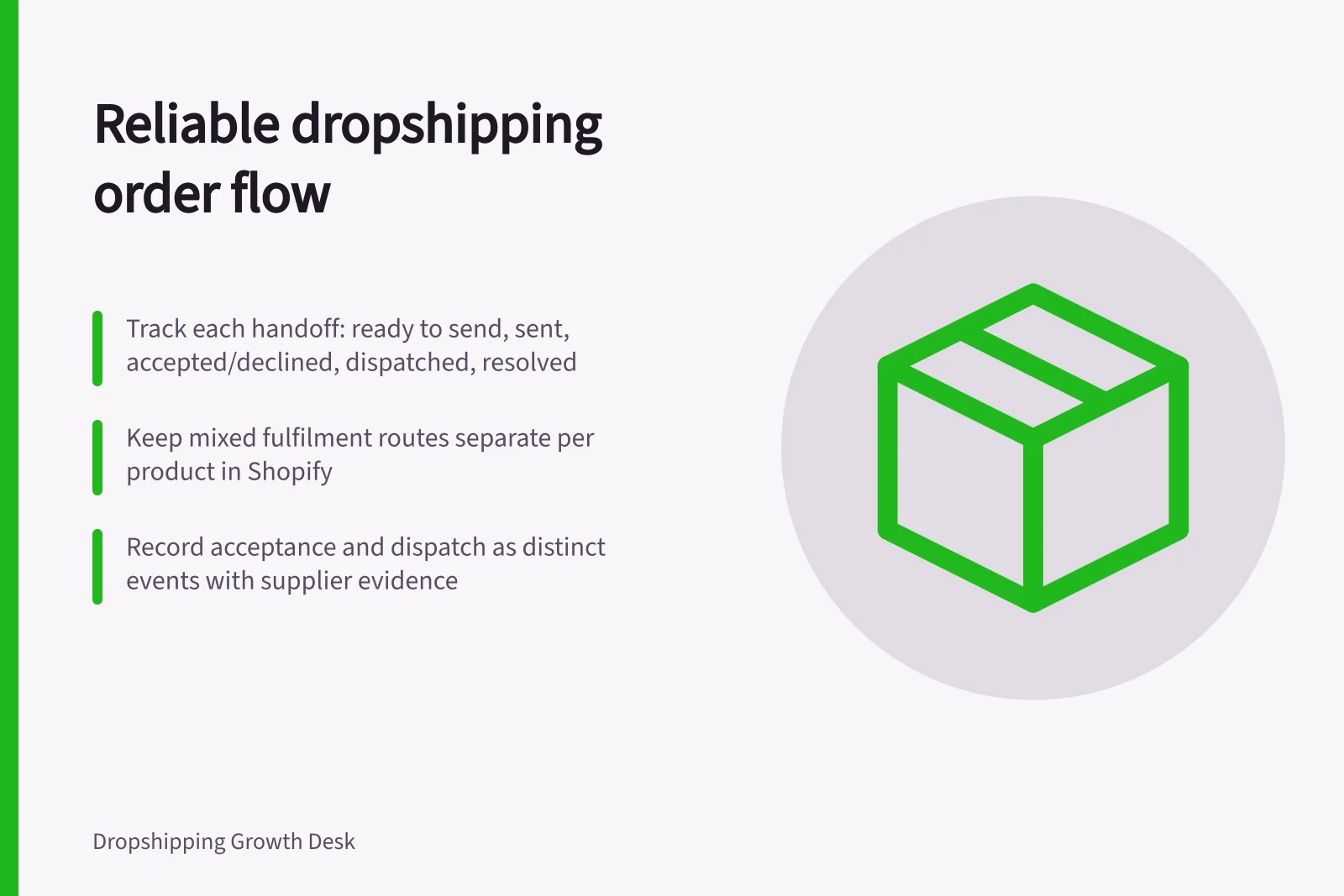
A reliable order flow records what the customer bought, what the store sent to each supplier, what each supplier accepted, what was dispatched and how every open issue was resolved. Payment, submission, acceptance and dispatch are separate events. Track them per order line, since one customer order can involve several suppliers or parcels.
Record each handoff
| Stage | Record | Decision |
|---|---|---|
| Ready to send | Purchased variant, quantity, delivery details and intended supplier | Resolve missing or conflicting details |
| Sent | Request, time sent and internal reference | Check for a response before retrying |
| Accepted or declined | Supplier reference, affected lines and conditions | Follow up on anything unresolved |
| Dispatched | Items in each parcel and evidence of the dispatch step | Give an accurate customer update |
| Resolved | Delivery or another recorded outcome for each line | Close remaining tasks |
These are suggested operating stages, not universal software labels. Ask each supplier what its acknowledgement and acceptance messages mean. A portal receipt may confirm only that a request arrived; acceptance may still need a separate response.
Keep mixed fulfilment routes separate
In Shopify, a fulfilment method can be selected per product, so one order can have different routes for different items. Keep the route and status on the affected line. An order-level update does not prove every item reached the same stage.
Dropshipping apps do not all update fulfilment the same way. Some mark items as fulfilled automatically when they ship an order; others require the store to place the customer’s order inside the app.
Handling Mixed Fulfilment Routes in Shopify
- Assign different fulfilment methods per productOne order can have multiple routes (e.g. dropshipping vs. in-house)
- Track route and status at line levelOrder-level updates don’t reflect individual item progress
- Confirm app behaviour for fulfilment updatesSome apps auto-mark as fulfilled upon shipping; others require manual placement
Preserve the app’s event trail
For Shopify app fulfilment, you can use the order timeline to communicate with the fulfilment service and track progress. Fulfilment status updates automatically as the service processes the request, but updates depend on the app. Confirm the app’s workflow and keep the timeline outcome with the order record. The next person can distinguish a recorded app event from an assumption based on another system.
Event Trail in Shopify App Fulfilment
- Request submitted
- Status changes to 'In progress' in Shopify
- Supplier acknowledges receipt
- Portal confirmation only – may not indicate acceptance
- Supplier accepts or declines
- Confirmed via separate response – track conditions and affected lines
- Dispatch confirmed
- Evidence such as tracking number or carrier record required
- Resolution recorded
- Delivery confirmation or other documented outcome per line
Check before sending
Match each purchased variant to the supplier’s ordering item and unit or pack size. Check quantity, address, available delivery service and any instructions the supplier has agreed to follow. Apply the store’s payment and order-review rules before placing the supplier order. Hold an uncertain line for correction instead of guessing.
Keep the store order number with the supplier request and response. If a submission times out, look for an existing supplier order before trying again. A retry without that check can create a duplicate request.
For stores using Shopify, the documented app fulfilment route moves a request to In progress while the service accepts or declines it.
Keep acceptance separate from dispatch
Record which items and quantities were accepted, along with any stock, address or service condition. Leave a partly accepted order open for its remaining lines. Acceptance does not establish carrier handover.
A tracking number can exist before a carrier records the parcel. Base a dispatch update on the evidence available for the affected parcel.
Record any known supply delay and the update given to affected customers.
Give open work an owner
Keep a queue for rejected, unanswered and partly accepted requests, address corrections, and parcels without a dependable dispatch update. Show the affected line, last confirmed event, supplier contact, next follow-up and the person responsible for the customer decision. Set follow-up times against the promise made for that order.
Verify changes with the supplier after submission. A store edit does not prove the supplier changed its picking instruction or label.
Review completed and open orders against their original selection, supplier request, response, parcel record and outcome. Look for duplicate submissions, unmapped variants and lines closed without a documented resolution.
Control order edits around handoffs
Shopify allows edits to unfulfilled items, but fulfilled items can’t be removed or have their quantity adjusted. Editing also requires the store owner or someone with the Edit orders permission. Check the fulfilment state and permission before changing an order. Verify the effect on the supplier instruction before releasing the affected line.
Shopify notes that some apps might not recognise order edits, and app data can become incorrect after a change. Treat an edit as an unresolved handoff until the app or supplier confirms its effect. Otherwise, the store record and picking instruction may no longer match.
Make a manual takeover explicit
If a Shopify fulfilment service will no longer handle an order, Shopify provides a route to change the order location and fulfil it manually. Record that takeover as a change of fulfilment owner. Keep the affected items distinct from lines that remain with the service. That prevents a manual action being mistaken for progress on every line in a mixed order.
Separate reporting from resolution
The ACCC accepts reports about business conduct and uses them to inform education, compliance and enforcement work. It may investigate if a business accepts payment without intending to supply, but it does not resolve individual disputes about delayed or failed supply. Keep any report separate from the order’s resolution record: it is not evidence that the customer’s issue has been settled.
In this guide
- Passing customer orders to a supplier accuratelyCheck SKU mapping, quantities, delivery details and supplier responses so each customer order is passed on accurately and only once.
- Confirming supplier acceptance before promising dispatchSeparate supplier receipt, order acceptance and actual dispatch before updating a dropshipping customer.
- Keeping order status visible to customer serviceGive support staff a reliable view of supplier acceptance, parcels, unresolved steps and the next customer update.