Order Flow
Part of Building a reliable dropshipping order flow
Passing customer orders to a supplier accurately
Check SKU mapping, quantities, delivery details and supplier responses so each customer order is passed on accurately and only once.
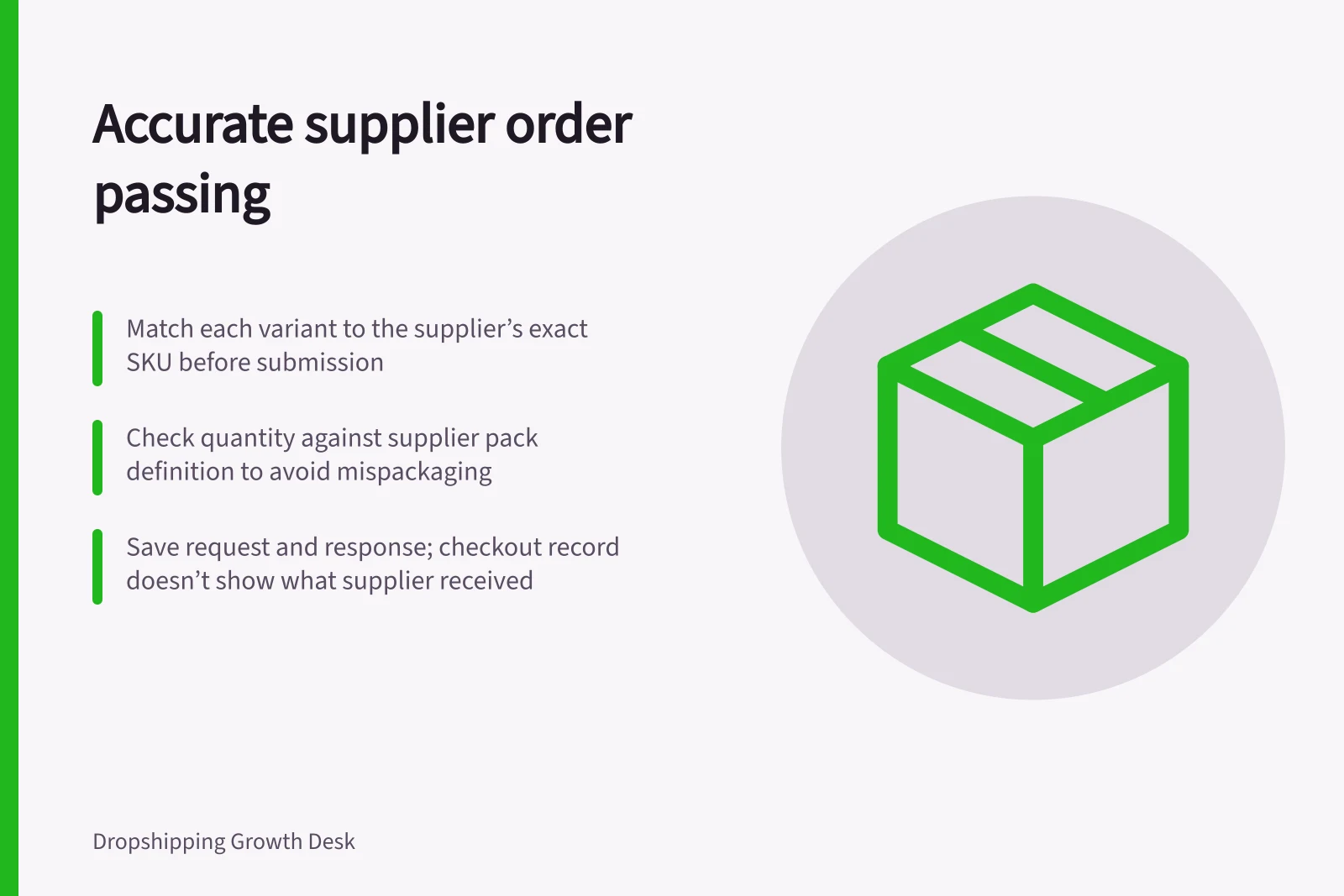
Match each purchased variant to the supplier’s exact ordering item, then check the quantity, destination and available service before submission.
Keep the request and its response. The checkout record does not show what the supplier received.
Key compliance and operational metrics for order accuracy
- Duplicate submissions avoided
- Critical with no assumed detection
- Overseas data disclosure risk
- APP-compliant if applicable
- Supplier response validation required
- Mandatory before customer update
Build the request line by line
Start with the confirmed customer order and any approved correction. For each line, record the store variant, supplier SKU and option, quantity, unit or pack definition, and intended supplier.
A quantity of two customer units must not turn into two cartons because a supplier SKU represents a multipack.
| Field | Check before submission |
|---|---|
| Item | Purchased option against the supplier’s current ordering item |
| Quantity | Customer units against the supplier’s pack definition |
| Recipient | Name and full address, including unit details, postcode and state |
| Service | The selected delivery option against a service available for that destination |
| Instructions | Only requests the supplier has agreed it can follow |
The table is a working check, not a claim that every supplier system accepts these fields. Resolve an ambiguous variant or address before sending the order.
Do not invent a postcode, omit an address line or change the delivery service merely to get a form accepted.
Send only the personal details needed for fulfilment through the agreed channel.
If customer information goes to an overseas supplier, assess whether the Australian Privacy Principles apply to the business and arrangement. The OAIC says an APP entity’s privacy policy must state whether it is likely to disclose personal information to overseas recipients and, if practicable, identify the countries where those recipients are likely to be located.
Submit once and match the response
Give each supplier request an internal reference. Save what was sent, when it was sent and where.
If a submission fails or times out, search the supplier system for that reference before retrying. Do not assume its system detects duplicates.
Compare the response with the request. A receipt message may confirm only that a portal or API received it.
Record any supplier reference, then wait for acceptance, rejection or a correction request. If the supplier proposes a different variant or service, check the customer’s order and available options before agreeing.
Use the steps and status meanings documented for the connection actually in use. Do not treat a submission receipt as proof that the supplier accepted the order.
Reconcile later changes
When a customer requests an address or item change after submission, keep the original request and record the proposed change. Check whether the supplier can still act on it, and confirm the result before telling the customer it was made.
A store edit does not prove that the supplier’s picking instruction or label changed.
Before changing an order after submission, check the supplier’s process for updating or cancelling the request.
Keep the original and revised details, and record the supplier’s answer so staff know which details govern the order.