Stock Sync
Part of Dropshipping stock synchronisation
Handling products that disappear from a supplier feed
A missing feed row is an ambiguous signal.
A missing feed row is a prompt to investigate, not proof that a product has been discontinued. It may indicate an incomplete file or a renamed SKU as well as a discontinuation.
Compare the feed with the last successful file and the supplier SKU-to-store-variant map. Confirm the cause before changing the variant’s inventory or listing.
Compare feed versions
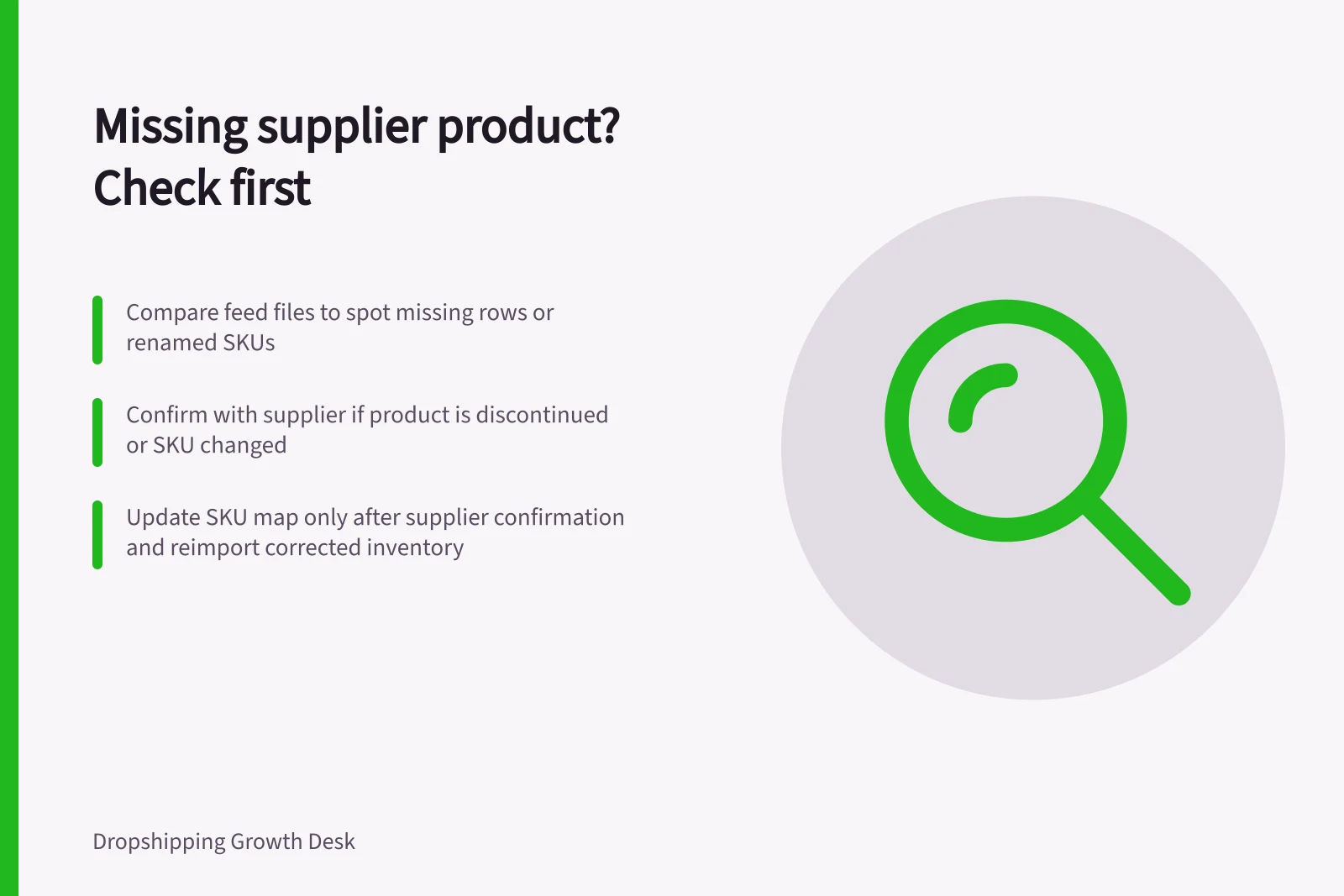
Record the last successful feed timestamp and keep a copy of that file and the current one. Compare their rows against the SKU-to-variant map; Shopify’s inventory CSV workflow supports exporting and importing inventory.
Check whether the whole feed is short, a category is missing or only one SKU has disappeared. Ask the supplier whether the file is complete and whether the affected product was discontinued or its SKU changed.
For a possible rename, get the supplier to confirm that the old and new SKUs refer to the same product and variant. Update the map only after confirmation, then use the mapped SKU to match the variant in the feed.
Do not import a zero quantity just because a row is absent, or treat the last positive quantity as current indefinitely. If the cause remains unconfirmed, mark the variant unresolved and request a corrected feed or a clear answer; take it out of sale while checking availability.
Key Actions & Outcomes
- Action Required
- Compare feed versions and confirm with supplier
- Risk of Inaction
- Incorrect stock levels, customer complaints, lost sales
- Best Practice
- Never unpublish or re-publish without documented supplier confirmation
Close the customer-facing loop
If the supplier confirms discontinuation, stop new sales for that variant, preserve its order history and review pending orders. Shopify allows individual variants to be unpublished; check the storefront after the change, including relevant channels, markets or catalogues.
If the supplier confirms a feed error, restore the variant only after a fresh feed contains the mapped SKU and the supplier confirms availability. Import the corrected inventory, publish the variant and check the storefront.
Log the decision, supplier confirmation and feed timestamp so a later feed does not silently reverse the change.