Stock Sync
Part of Dropshipping stock synchronisation
Monitoring failed inventory updates
An inventory feed can arrive on time while some rows fail to update.
An inventory feed can arrive on time while some rows fail to update. A useful monitor checks the store result, not just that a file downloaded or an API request was sent.
Record each run
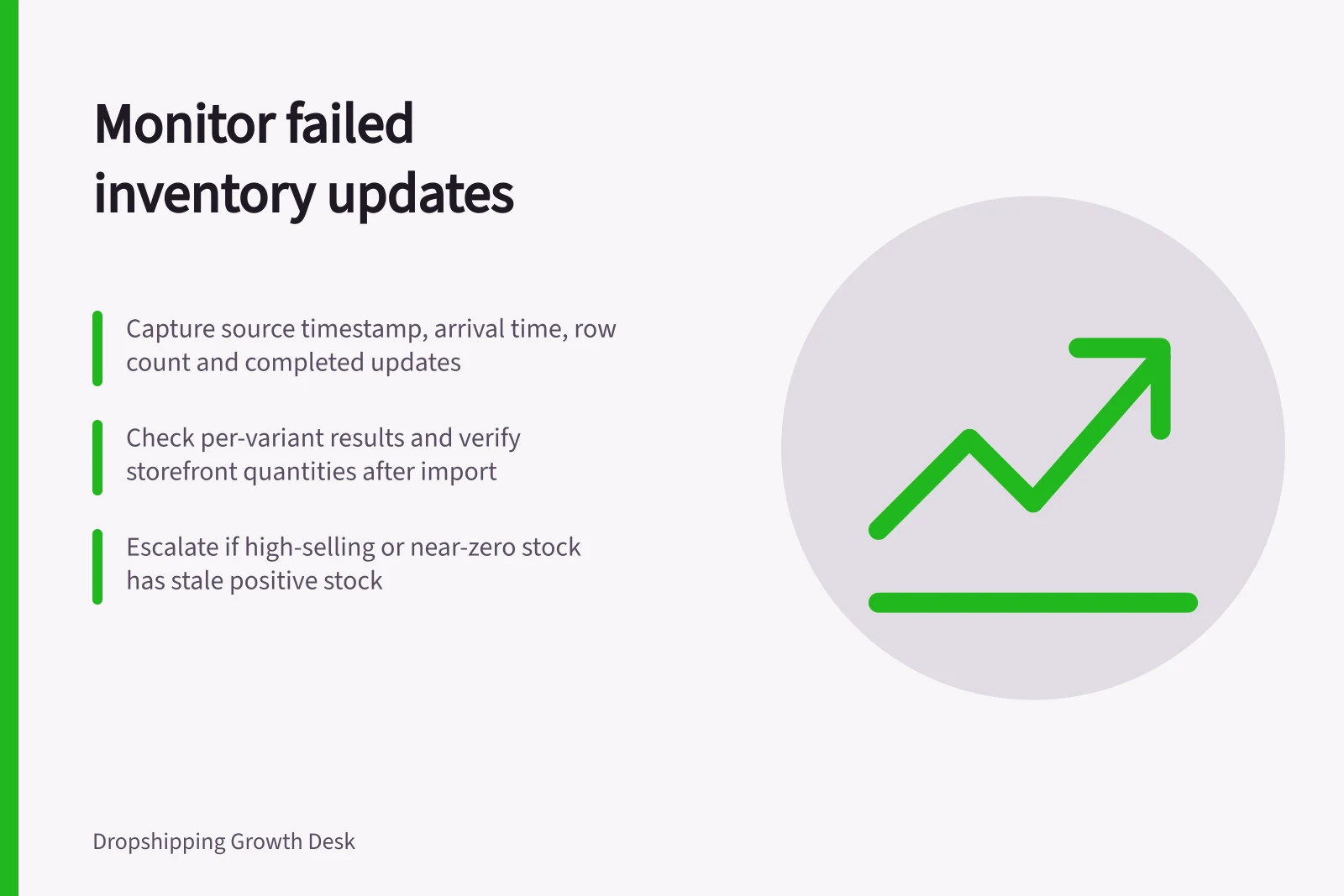
Capture the source timestamp, arrival time, row count, mapped variants, unknown SKUs, rejected rows and completed updates. Compare these with the prior successful run. A sudden drop in rows or an unusually large quantity change deserves review even if the import reports success.
Shopify's inventory CSV guidance covers exporting current quantities, updating them in the CSV and importing the file to update quantities. Its API inventory-set operation uses compare-and-set behaviour and returns an error if the compare quantity does not match. Whichever integration you use, inspect the per-row or per-variant result and confirm selected storefront quantities afterwards.
Key Inventory Update Metrics to Monitor
- Source Timestamp
- Recorded at feed initiation
- Arrival Time
- Time file/API reached system
- Row Count
- Total rows in inventory feed
- Unknown SKUs
- SKUs not recognised by Shopify
- Rejected Rows
- Rows failing update due to validation or mismatch
- Completed Updates
- Successful variant quantity updates
Escalate by sales risk
Alert promptly when a failed update leaves a high-selling or near-zero variant with stale positive stock. Record the exact SKUs and affected channels so the operator can pause sales or correct the mapping. Distinguish a supplier-feed failure from a storefront-write failure; they need different owners.
After a repair, rerun a controlled update and verify the storefront state. Keep an audit trail of the failure and resolution rather than treating the next successful run as proof that no orders were affected.
Post-Update Verification Checklist
- Confirm high-selling variants have updated stockCheck for stale positive stock on fast-moving items
- Verify near-zero stock variants are accurateEnsure no false positives after failed update
- Identify affected channels and SKUsLog exact SKUs and storefronts impacted
- Pause sales if necessaryTemporarily suspend listings with incorrect stock
- Rerun controlled update post-repairTest fix with limited data before full run
- Maintain audit trailDocument failure, repair, and verification steps