Stock Sync
Part of Dropshipping stock synchronisation
Setting a buffer before a supplier reaches zero stock
A supplier quantity of five is not always five units available to your store.
A supplier quantity is not necessarily stock reserved for your store. Other retailers may sell from the same pool before your next feed update, so set aside a buffer that covers the time it takes your store to react.
Measure that risk window, calculate a holdback from observed stock movement or order rate, then advertise only the supplier quantity above the buffer. This reduces the risk of selling stock that has already gone.
Estimate the risk window
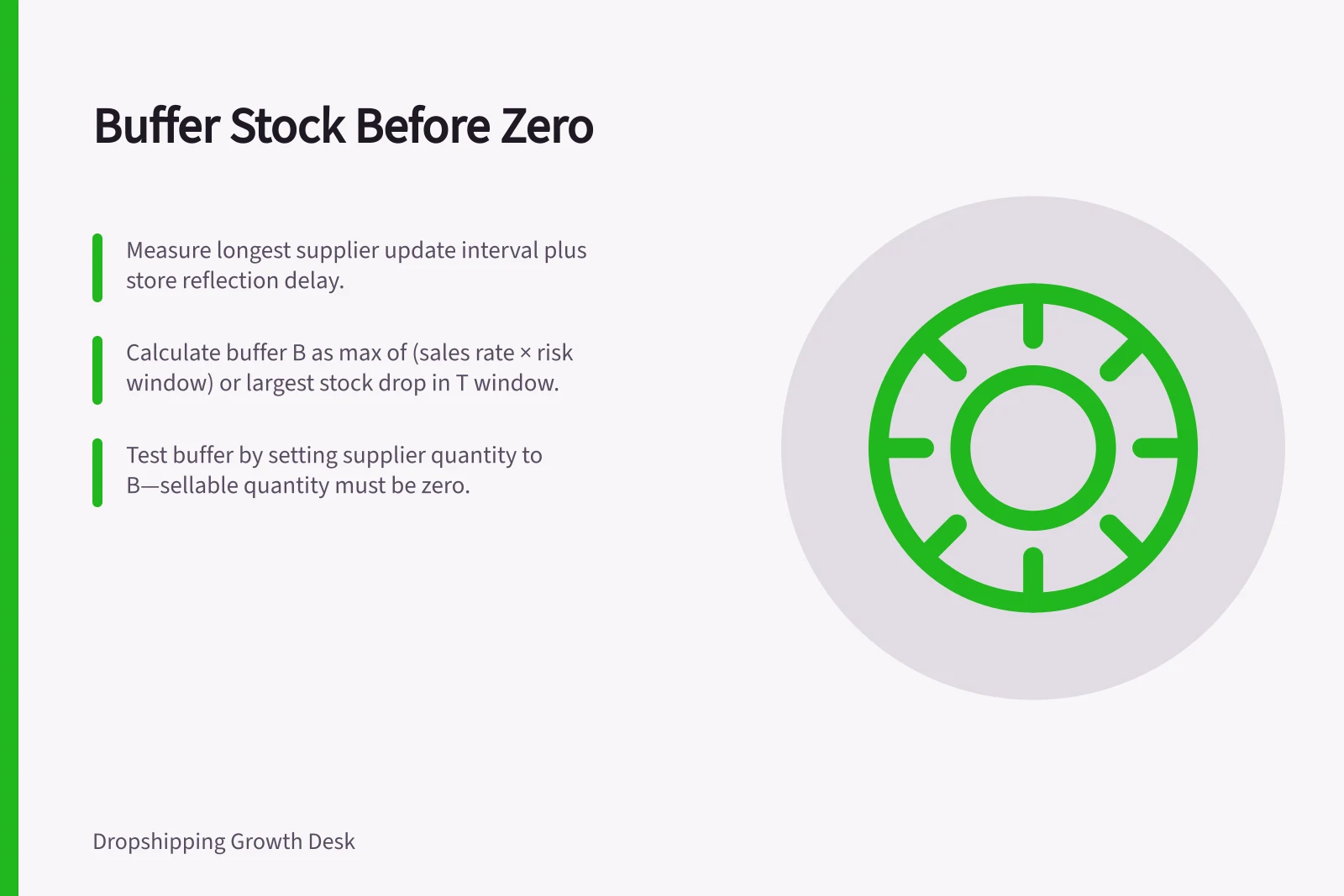
Measure the longest interval between supplier updates, then add the delay before your store reflects a change. If the supplier reserves stock only after manual acceptance, include the time until acceptance as well.
Let T be that total risk window and r be your highest observed sales rate in matching time units. A starting buffer is B = round up (r × T), in units; using the highest rate observed during comparable periods gives more protection than using an average.
If you can compare supplier quantities across risk windows, also calculate the largest observed stock drop in any T-long window. Set B to the larger of that drop and the units your store could sell during T; if other retailers’ sales are not visible, your own order rate cannot capture all shared-pool depletion.
Keep the supplier quantity, buffer B and sellable quantity as separate values in a spreadsheet or inventory log. Calculate sellable quantity as the greater of zero and supplier quantity minus B; treat a supplier quantity at or below B as the stop-sell threshold.
In Shopify, activate inventory tracking in the product’s Inventory section and assign stock to the relevant location. Enter the calculated sellable quantity there, rather than treating the buffer as physical stock; if several Shopify locations draw from one supplier pool, allocate the sellable quantity across them instead of repeating the full quantity at each location.
Key Buffer Stock Metrics
- Risk Window (T)
- Measured in days
- Highest Sales Rate (r)
- Units per day
- Buffer Size (B)
- Round up(r × T) units
Test the boundary
Use a safe test environment or a controlled low-stock variant. Set its supplier quantity to B and check the storefront: the sellable quantity should be zero while the supplier still has the buffer.
Test a supplier quantity above B and confirm that only the amount above B is available to customers. Then set the test quantity to zero and confirm that checkout is blocked on every sales channel and relevant fulfilment location.
Check Shopify’s product out-of-stock behaviour as part of the test.
Recalculate B when the update interval, store delay, supplier reliability, reservation process or demand changes. The buffer lowers the chance of overselling, but shared supplier stock can still disappear faster than the observed risk window.