
Supplier Finding
Dropshipping product content
Build dropshipping product pages from verified details, clear images, useful fit information and sensible variant choices.
A useful dropshipping product page helps an Australian buyer identify the item, choose the right option and understand its limits before paying. Start with verified product information, then check that the words and images match what the supplier will send. A supplier catalogue entry is a starting point, not a customer promise.
Start with the exact item
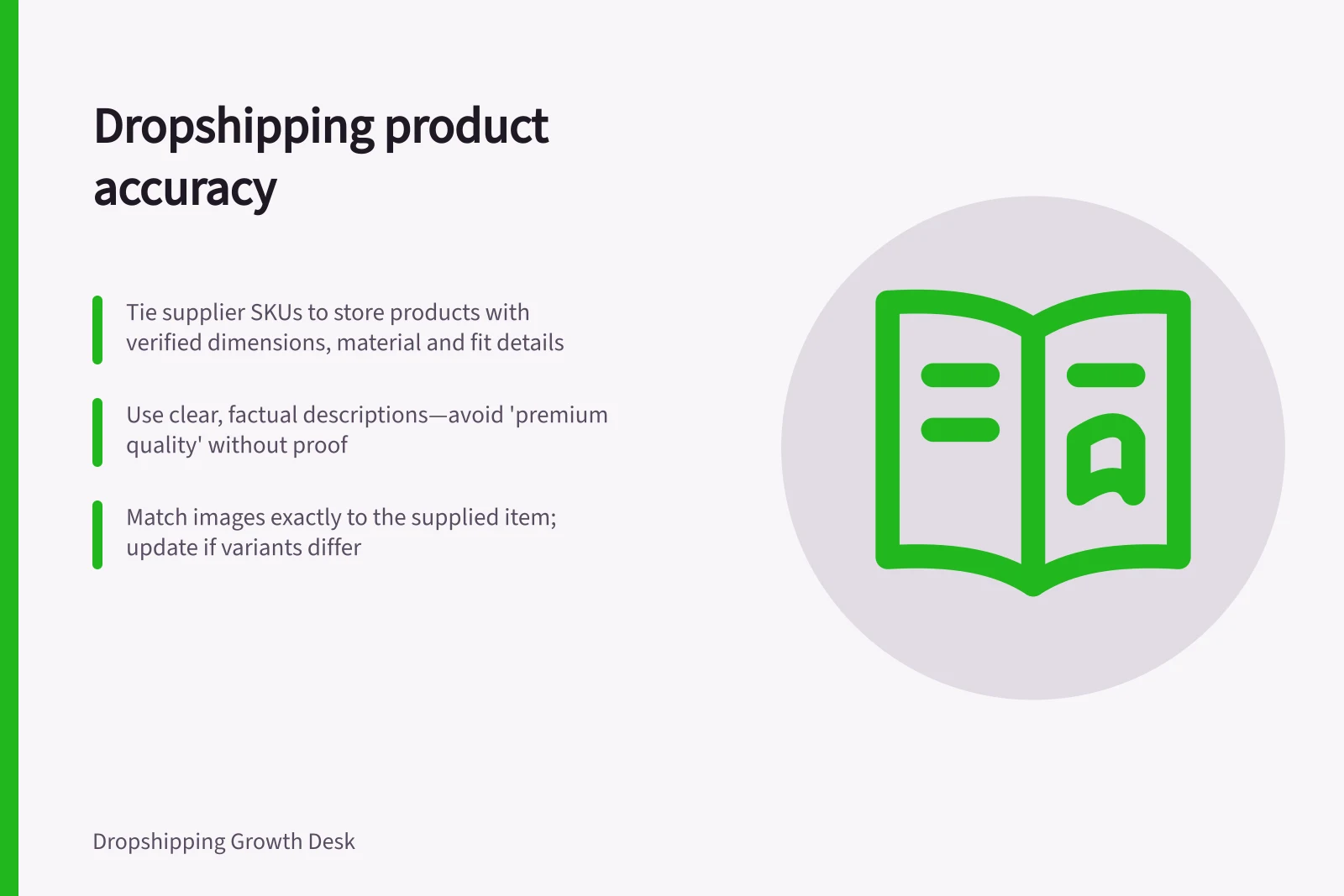
Tie the supplier SKU to the store product and each variant. Record the name, material, dimensions, colour, included parts, exclusions and any fit information that matters to the purchase. Mark details that still need evidence. Ask the supplier about important gaps or leave the claim out; do not turn uncertainty into persuasive copy.
Resolve any difference between the listing and the supplied item before making the offer.
Write for the buyer's decision
Lead with what the product is and how it is intended to be used. Put details that might rule out a purchase near the option selector and purchase controls: size, fit, compatible models, package contents and relevant limitations. Explain a benefit only when the product details support it. Replace vague claims such as “premium quality” with a concrete attribute the buyer can check.
Include the information this item needs, rather than repeating every catalogue field. A storage box may need usable dimensions; a device accessory may need an exact fit statement. A broad product category does not establish compatibility with every model in it.
Include useful description details
Shopify’s product-description guidance identifies size, material and weight as possible specifications, alongside suggested uses and benefits. Include a specification when it helps explain the item to a buyer; weight is another detail to verify and present where it matters to the purchase.
A benefit should have supporting evidence, rather than relying on an unsupported promise. Shopify also suggests engaging details, such as a story about the product, as one possible description element. Keep that detail relevant to the item and consistent with the facts you can establish.
Make images agree with the offer
When you can obtain a sample, compare it with images for the exact SKU and option. Check the finish, colour, included accessories, visible labels and scale cues. If they differ, find out whether the image is outdated, shows another variant or is illustrative.
Replace an image that gives the wrong impression. One sample does not establish that every later batch will be identical.
Choose a main image that represents the selected offer. Check the image shown when each option is selected, and describe useful images with brief alt text.
Organise variant image galleries
In Shopify, the product media gallery can hold additional images associated with a variant, even though only one image can be assigned as its preview. Add the related images to the gallery, arrange them together in sequence, then assign the preview image to the variant. This gives buyers a connected set of views to inspect.
Shopify says product variants do not support other media types such as 3D models or videos. If a particular option needs its own image group to appear automatically when selected, Shopify identifies the Combined Listings app as an option on Shopify Plus and Shopify Enterprise Commerce plans.
Keep variants understandable
Use selectable variants when differences such as colour or size belong to the same underlying item and buyers can compare them clearly on one page. Give each option an unambiguous label and accurate price and availability. A separate page can help when the item, use or buying information differs substantially.
Check canonical signals for similar pages
Google can group pages with the same or similar main content and select the version it considers most informative and useful for search results. Its decision can take account of signals such as the page protocol, sitemap inclusion, redirects and a rel="canonical" annotation.
A canonical annotation communicates a preference, but Google can select a different page. When reviewing distinct variant URLs, check that the selected page reflects the content you intend to represent the group; Google’s selection is not guaranteed by the stated preference alone.
Maintain the listing
Keep evidence with the supplier SKU and review it when specifications, images, package contents or variants change. Repeated buyer questions or mismatch reports can reveal an unclear listing. Confirm the facts, then update the page so the next buyer can make an informed choice.
Review claims and substantiation
The ACCC can require businesses to back up claims about their products or services. It accepts reports about possible misleading claims. It may investigate and take compliance or enforcement action. Keep the evidence behind a claim accessible so you can respond if its accuracy is questioned.
Reports also inform the ACCC’s education, compliance and enforcement work. The ACCC does not resolve individual disputes about misleading claims or provide legal advice. A product-page review should check the claim against the product information. Do not treat an ACCC report as a way to settle a buyer’s case.
Key compliance and performance indicators for Australian dropshipping
- ACCC investigation thresholdClaims must be substantiated; businesses can face enforcement action
- Consumer rights under Australian lawProducts must be of acceptable quality, match descriptions, and be fit for purpose
- GST on digital products10% GST applies if the buyer is in Australia and the supplier is registered
In this guide
- Rewriting supplier descriptions around accurate buyer informationTurn supplier copy into useful product descriptions by verifying claims, answering buying questions and keeping limitations visible.
- Checking supplier images against the actual sampleCompare supplier images with the exact sample, resolve material differences and check variant imagery before listing.
- Showing size and compatibility details clearlyPresent verified dimensions, fit conditions and variant-specific information where shoppers can use them.
- Avoiding duplicated product pages for minor variationsDecide when product differences belong in a variant selector, when a separate page helps and what to check in the live site.


