Supplier Finding
Part of Finding dropshipping suppliers
Comparing catalogue access and stock visibility
Assess catalogue data, variant mapping, stock timestamps and order acceptance before relying on supplier listings.
Compare two things separately: whether your store can obtain accurate information for items it may list, and whether it can tell if those exact items are available to order. Attractive catalogue images do not establish variant details or current stock.
Compare access on the same items
Select a few representative SKUs, including a product with variants. Ask each supplier how your team would obtain specifications, images, ordering SKUs, variant options, prices and change notices. Record any approval or account requirements and whether the information can be maintained in your store.
A portal can be workable for a small range if changes are easy to find. A dated file may be easier to compare across a larger range. An automated feed can reduce copying, but your store still needs to map SKUs and check what appears in listings. These are ways to assess an offer, not capabilities established for any particular supplier.
Ask what the stock signal means
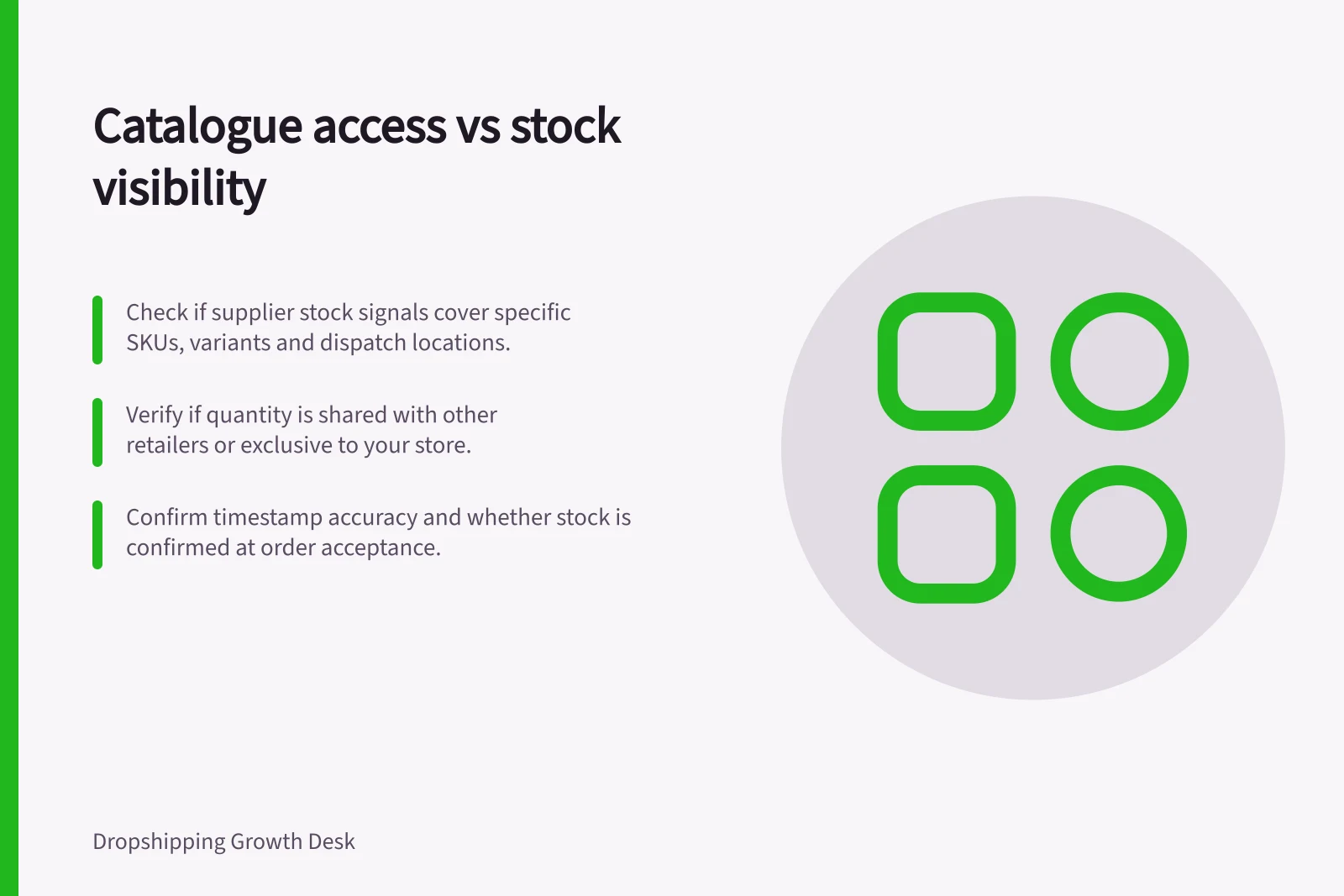
Find out whether “available” refers to physical stock at a warehouse, stock allocated to your account or an estimate from a wider network. Ask whether the quantity is shared with other retailers, when it was last updated and when an order becomes accepted or allocated. A positive number is weak evidence if the supplier cannot explain its age or whether the item can be dispatched to your destination.
| Signal | Question to ask |
|---|---|
| In stock | Which SKU, variant and dispatch location does it cover? |
| Quantity | Is it available to this store or shared with other buyers? |
| Timestamp | When was the source updated, and when will changes reach your store? |
| Missing item | Does its absence mean unavailable, discontinued or an incomplete update? |
| Order acceptance | When is stock confirmed for a particular order? |
Use the answers to decide which availability claims your store can support and when staff need to confirm stock manually. Do not present an old quantity as a current promise.
Supplier Stock Signal Clarity: Key Questions to Ask
- In stock
- Which SKU, variant and dispatch location does it cover?
- Quantity
- Is it available to this store or shared with other buyers?
- Timestamp
- When was the source updated, and when will changes reach your store?
- Missing item
- Does its absence mean unavailable, discontinued or an incomplete update?
- Order acceptance
- When is stock confirmed for a particular order?
Check the resulting listing
Before relying on a catalogue connection, compare a selected supplier record with the imported product, its displayed variant and its purchasable state. Include an unavailable variant.
Compare the supplier's stock signal with that displayed variant and purchasable state. A storefront's displayed availability does not, by itself, establish that a supplier's stock information is current. Other platforms need their own checks.
If a supplier cannot provide a usable stock signal, a smaller range with manual confirmation may be more supportable than its full catalogue. Record the access method, the last verified update and your rule for uncertain stock. If the supplier's signal is stale or unclear, confirm availability with the supplier before presenting the item as available.